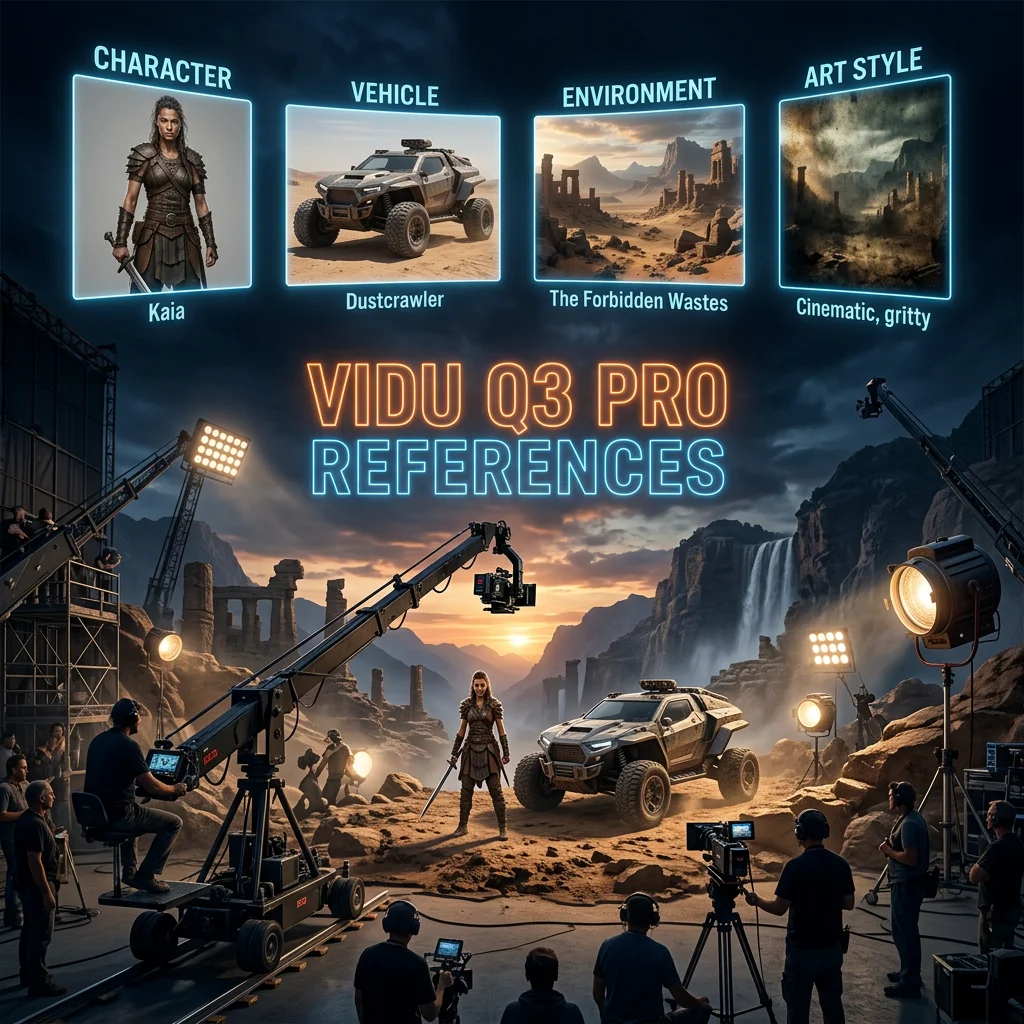
Vidu Q3 Pro References
Reference-to-video with multiple images, optional audio, and character-consistent cinematic output.
Overview
Vidu Q3 Pro References is a video generation model available on the GenVR platform. Reference-to-video with multiple images, optional audio, and character-consistent cinematic output.
Key Features
- AI video generation from text prompts, images, or reference clips
- Ability to condition on reference frames or videos
- Support for cinematic camera motion and dynamic scenes
- Character and style consistency across frames in supported models
Popular Use Cases
- Idea exploration for campaigns and narratives
- Social media content (TikTok, Reels, Shorts)
- Storyboards and pre‑viz for film and animation
- Short‑form ads and product promos
Best For
- Product teams testing video creatives at scale
- Agencies prototyping many concepts quickly
- Small teams without full in‑house motion design
- Creators and brands exploring AI video
Limitations to Keep in Mind
- Best suited for short clips, not full long‑form productions
- Frame‑perfect control can require multiple iterations
- Audio still needs to be layered in a separate step
- Some motion artifacts may appear in complex scenes
Why Choose This Model
- Cost transparency: Straightforward credit-based pricing for every video run.
- Iterative freedom: Test dozens of motion prompts for the same brief rapidly.
- Social-first pacing: Optimized for TikTok, Reels, and Shorts content engagement.
- Future-proof infrastructure: Leverages GenVR's multi-vendor abstraction layer.
Alternatives on GenVR
- Pixverse V4 I2V Fast
- Pixverse C1 References
- Kling 3 Standard
Pricing
Billed through GenVR credits
7 credits per second for 360p and 540p, 15.4 credits per second for 720p and 1080p. Duration supports 1-16 seconds.
Properties
Customizable parameters available for this model.
Required
Text prompt for video generation (max 2000 characters).
1–4 reference images to keep subjects or scenes consistent.
Optional
The aspect ratio of the output video.
360p or 540p for lower cost; 720p or 1080p for higher quality.
Duration of the video in seconds (1–16).
When enabled, outputs video with sound (direct audio-video generation).
Random seed for reproducibility. Leave empty for a random seed.
GenVR Visual App
Experience the power of Vidu Q3 Pro References through our intuitive visual interface. Experiment with prompts, adjust parameters in real-time, and download your results instantly.
Try in Web AppDeveloper API Docs
Integrate this model into your own applications. Access enterprise-grade performance, scalable infrastructure, and detailed documentation for rapid deployment.
Try in APIMore in Video Generation
Discover other high-performance models in the same category as Vidu Q3 Pro References.