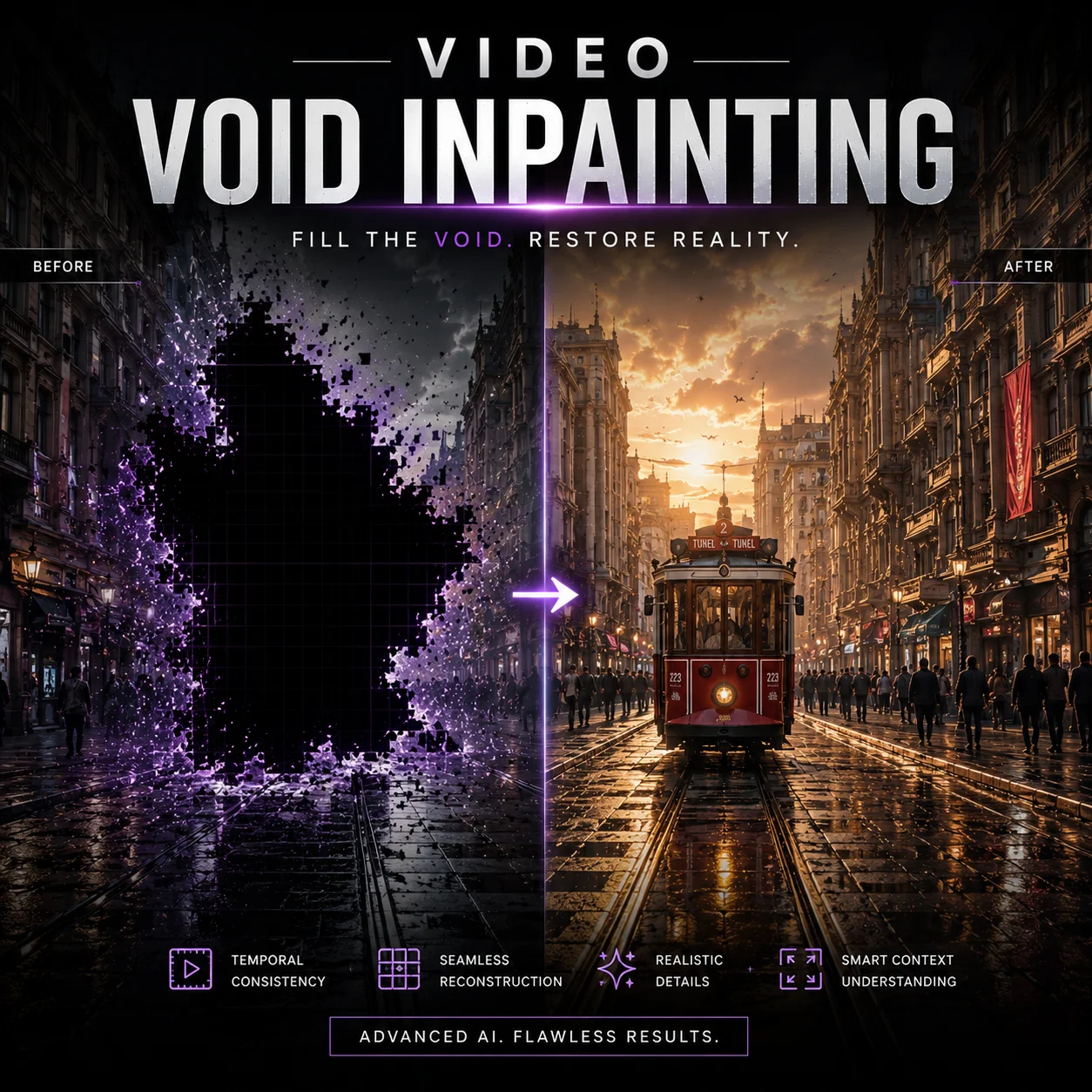
VOID Video Inpainting
Remove objects from a video with optional quadmask/binary mask support and pass-2 temporal refinement.
Overview
VOID Video Inpainting is a video utilities model available on the GenVR platform. Remove objects from a video with optional quadmask/binary mask support and pass-2 temporal refinement.
Key Features
- Background removal and relighting for videos
- Video‑to‑video style and motion transfer
- Video restoration for older or compressed clips
- Enhancement tools for upscaling, captioning, and restoration
Popular Use Cases
- Improving legacy or low‑quality footage
- Generating talking‑head content from still images
- Adding subtitles, translations, and dubbing
- Applying effects and transformations to existing clips
Best For
- Teams that batch‑process video libraries
- Agencies handling localization and repurposing
- Content creators optimizing existing footage
- Editors and post‑production teams
Limitations to Keep in Mind
- Complex sequences may still need manual QC
- Some tools require careful parameter tuning per clip
- Heavily compressed source video may limit quality gains
Why Choose This Model
- Workflow transparency: Clear monitoring and status for complex video tasks.
- Integrated captioning: High-accuracy subtitling that follows the audio beat.
- Post-production automation: Scriptable lip-sync and face-swap capabilities.
- Production efficiency: Replace manual QC and fixing with automated AI passes.
Alternatives on GenVR
- Pixverse 5.5 Effects
- Luma Reframe Video
- Kling Lip Sync
Pricing
Billed through GenVR credits
Base 5 credits. +5 credits when Pass 2 refinement is enabled. +5 credits when mask_video is provided.
Properties
Customizable parameters available for this model.
Required
Text description of the desired background after object removal.
URL of the input video containing the object to remove.
Optional
Run VOID Pass 2 warped-noise refinement after Pass 1. This is slower but can improve temporal consistency on longer clips.
Classifier-free guidance scale.
Text description of what should be masked in the input video, such as the object or person to remove. Used to generate a temporary mask video with SAM-3 when `quad_mask_video_url` is not provided.
URL of a mask video for the removal target. For best results this should be a VOID-style quadmask video with 4 grayscale values: 0=object to remove, 63=overlap, 127=affected region, 255=background to keep. A simple binary mask (0=remove, 255=keep) also works. If omitted, the app will generate a temporary mask video from `mask_prompt` using the SAM-3 video endpoint and convert it to a quadmask automatically.
Negative prompt to guide generation away from undesired outputs.
GenVR Visual App
Experience the power of VOID Video Inpainting through our intuitive visual interface. Experiment with prompts, adjust parameters in real-time, and download your results instantly.
Try in Web AppDeveloper API Docs
Integrate this model into your own applications. Access enterprise-grade performance, scalable infrastructure, and detailed documentation for rapid deployment.
Try in APIMore in Video Utilities
Discover other high-performance models in the same category as VOID Video Inpainting.