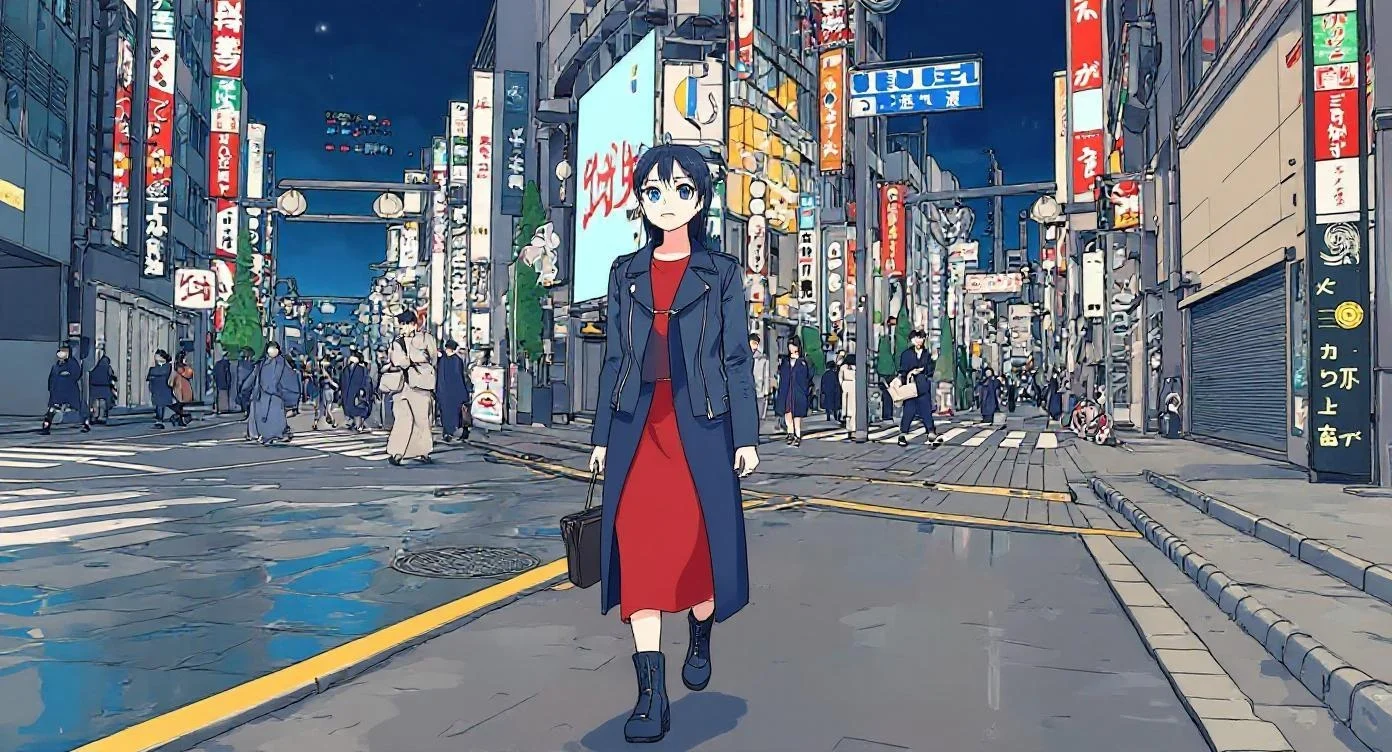
Luma Ray 2 Modify Video
Luma Ray 2 Modify Video is an advanced AI-powered video editing tool that transforms existing footage through intelligent style transfer, object manipulation, and motion editing while maintaining exceptional temporal consistency and physical realism.
Overview
Luma Ray 2 Modify Video is a video utilities model available on the GenVR platform. Luma Ray 2 Modify Video is an advanced AI-powered video editing tool that transforms existing footage through intelligent style transfer, object manipulation, and motion editing while maintaining exceptional temporal consistency and physical realism.
Key Features
- AI-powered video-to-video transformation with style transfer capabilities
- Intelligent object replacement and scene element modification
- Temporal consistency preservation across all frames
- Physics-aware motion editing and camera movement adjustment
- Video extension and out-painting for seamless clip lengthening
- High-resolution output up to 1080p with realistic lighting
- Inpainting and background replacement technology
- Multi-modal editing combining text prompts with video input
Popular Use Cases
- Transforming stock footage into branded content with company-specific aesthetics
- Removing or replacing unwanted objects and elements from existing video clips
- Extending b-roll footage to match specific timing requirements in edits
- Converting realistic footage into animated or stylized artistic versions
- Updating outdated product videos with modern visual treatments
Best For
- Professional video editors and post-production studios
- Content creators and social media marketers
- Advertising agencies refreshing campaign footage
- Indie filmmakers and visual effects artists
- Brand managers updating legacy video assets
Limitations to Keep in Mind
- Requires high-quality source video for optimal transformation results
- Processing time increases significantly with video duration and complexity
- Fine details like hands and text may exhibit occasional inconsistencies
- Limited control over specific frame-level adjustments
- Performance depends heavily on clarity of input prompt and source material
Why Choose This Model
- Temporal Consistency: Maintains character identity, object permanence, and environmental stability across every frame for seamless playback.
- Cinematic Quality: Produces high-fidelity output with realistic physics, natural lighting, and film-grade aesthetics.
- Creative Transformation: Instantly restyle existing footage into any artistic direction without losing original motion dynamics.
- Production Efficiency: Dramatically reduces manual compositing and rotoscoping time through automated AI editing.
- Asset Maximization: Refresh and repurpose existing video content with new visual styles without expensive reshoots.
- Natural Integration: Replaced objects and modified elements blend perfectly with original footage maintaining shadows and reflections.
- Motion Preservation: Retains authentic camera movements and subject dynamics even during dramatic style transformations.
- Seamless Extension: Lengthen video clips intelligently while maintaining visual coherence and narrative flow.
- Professional Workflow: Supports standard video formats and resolutions for easy integration into existing post-production pipelines.
- Physics Accuracy: Generates realistic object interactions, fluid dynamics, and environmental responses that obey physical laws.
- Fine-Grained Control: Combine text prompts with video input for precise adjustments to specific scene elements.
- Rapid Iteration: Generate multiple style variations from a single source video for A/B testing and creative exploration.
Alternatives on GenVR
- MMAudio
- Pixverse 5.5 Effects
- LTX 2 Audio to Video
Pricing
Billed through GenVR credits
35 credits per second of video
Properties
Customizable parameters available for this model.
Required
URL of the video to modify. Maximum video size is 100mb. Maximum video duration is 30 seconds.
Optional
How closely the output should follow the source video. Adhere: very close, for subtle enhancements. Flex: allows more stylistic change while keeping recognizable elements. Reimagine: loosely follows the source, for dramatic or transformative changes.
A prompt to guide the video modification
An optional URL of the first frame of the video. This should be a modified version of the original first frame, it will be used to guide the video modification.
GenVR Visual App
Experience the power of Luma Ray 2 Modify Video through our intuitive visual interface. Experiment with prompts, adjust parameters in real-time, and download your results instantly.
Try in Web AppDeveloper API Docs
Integrate this model into your own applications. Access enterprise-grade performance, scalable infrastructure, and detailed documentation for rapid deployment.
Try in APIMore in Video Utilities
Discover other high-performance models in the same category as Luma Ray 2 Modify Video.